


Description
Download Word Puzzle: Word Games – Word Game, Word Guess, Puzzle Game, Brain Teaser
Overview
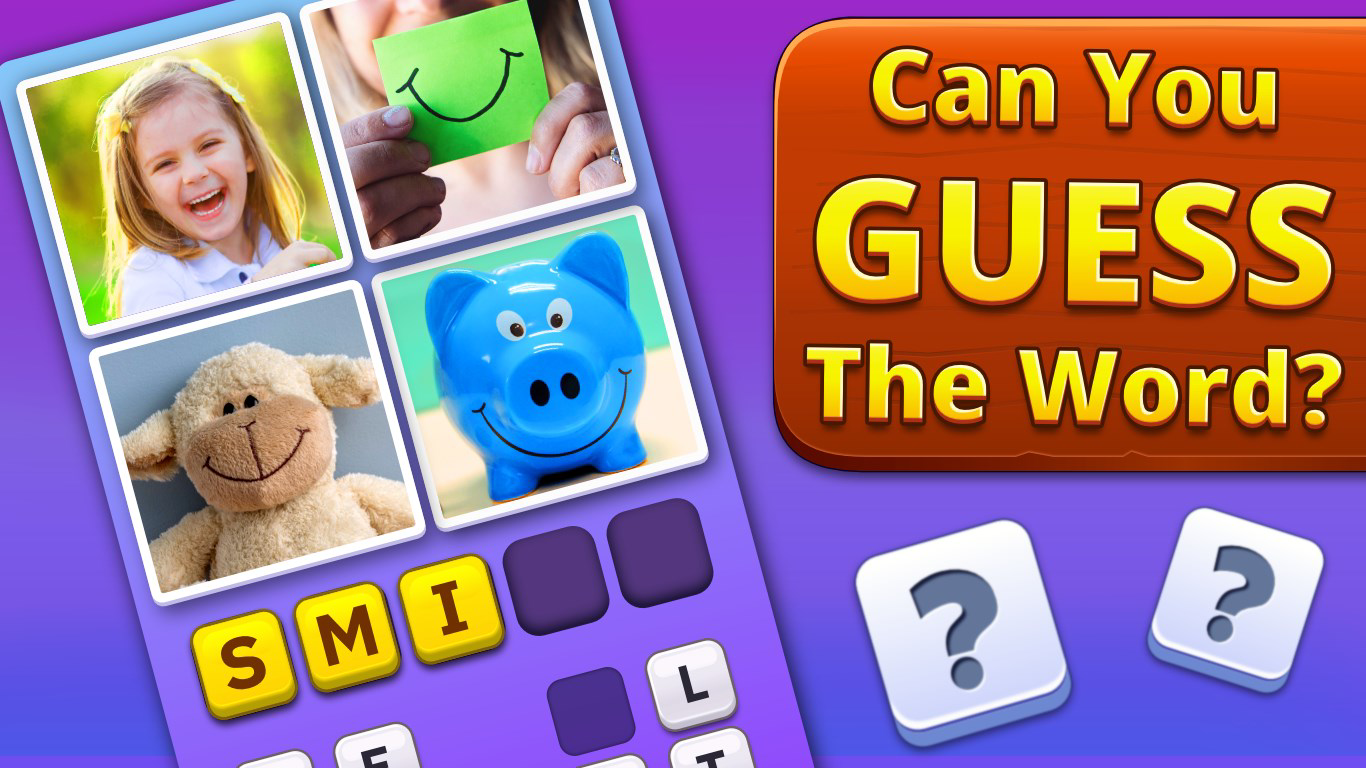
Word Puzzle: Word Games is a mobile puzzle experience designed to challenge players’ word-guessing abilities through visual clues. The game presents users with four images and asks them to deduce a single word that connects all of them, blending visual recognition with linguistic reasoning. This unique mechanic serves as both entertainment and cognitive training, making it suitable for casual players and those seeking mental stimulation. The game’s core purpose lies in improving vocabulary, spelling, and pattern recognition, while maintaining a lighthearted and engaging tone.
Targeted at a broad audience, including students, educators, and casual gamers, Word Puzzle: Word Games offers a low-pressure environment for learning through play. Its daily challenges and extensive level library help sustain long-term engagement, encouraging regular use. The game is developed by GameVillage, a studio known for creating accessible puzzle titles that emphasize simplicity and replayability. Although specific details about the developer’s background were not provided, the consistent release pattern and content updates suggest a dedicated team focused on user retention.
Real-world applications include language learning, classroom enrichment, and mental exercise for adults. In educational settings, teachers may use the game as a supplementary tool to reinforce word associations and vocabulary retention. For general users, it serves as a daily brain workout that fits seamlessly into short breaks. The app holds a notable position in the puzzle genre, standing out through its visual-first approach and structured progression system.
Key Features & Functionality
- Visual Word Guessing Mechanic: Players are presented with four images that visually represent a common word. The challenge lies in identifying the unifying concept—such as a common theme, object, or action—linking all visuals. This promotes lateral thinking and strengthens associative memory.
- Multiple Game Modes: The app includes distinct modes such as Beginner, Intermediate, and Expert, each tailored to different skill levels. These modes adjust the complexity of image relationships and the time allowed to respond, ensuring accessibility for new users while offering depth for advanced players.
- Real-time Multiplayer Challenges: Users can compete against friends or random opponents in head-to-head rounds. This feature introduces time pressure and strategic decision-making, enhancing engagement and fostering community interaction.
- Interactive Hints and Zoom Tools: When stuck, players can access hints to reveal partial answers or use the zoom function to examine image details more closely. These tools help maintain flow without removing the challenge, supporting learning without frustration.
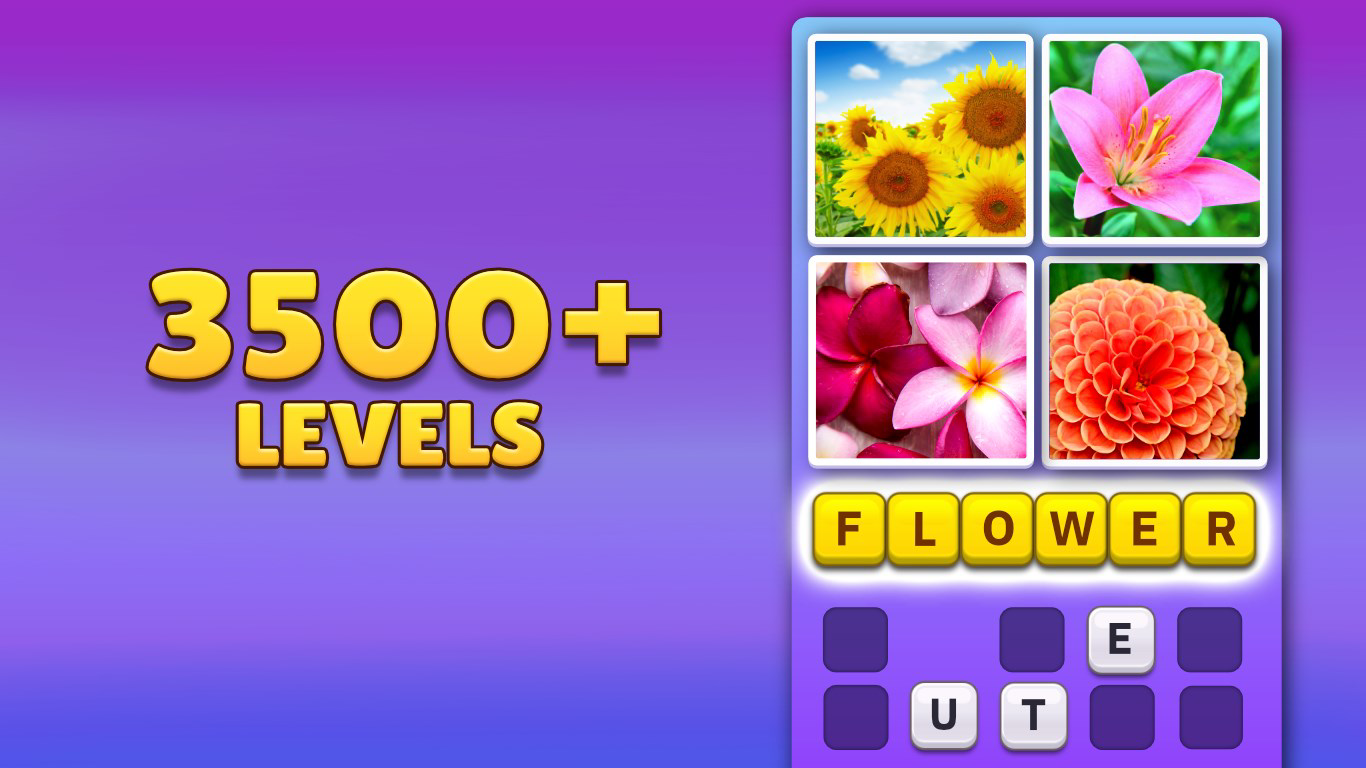
- Extensive Level Library: With over 3,500 levels and recurring daily challenges, the game offers a substantial amount of content. This ensures sustained replayability and prevents content fatigue, making it ideal for long-term use.
- Educational Value: Beyond entertainment, the game supports vocabulary expansion, spelling accuracy, and cognitive flexibility. Regular play can contribute to improved word association skills, particularly beneficial for language learners and young students.
For example, a level might show images of a cat, a fish, a bird, and a dog—each a common household pet. The correct answer would be “pet.” This kind of exercise strengthens conceptual understanding and reinforces real-world vocabulary usage.
Interface, UX & Performance
The user interface of Word Puzzle: Word Games is clean and intuitive, prioritizing visual clarity over clutter. The main screen displays the four images in a balanced layout, with a prominent input field for entering the guessed word. Navigation is straightforward, allowing users to switch between modes, access settings, and view progress with minimal taps.
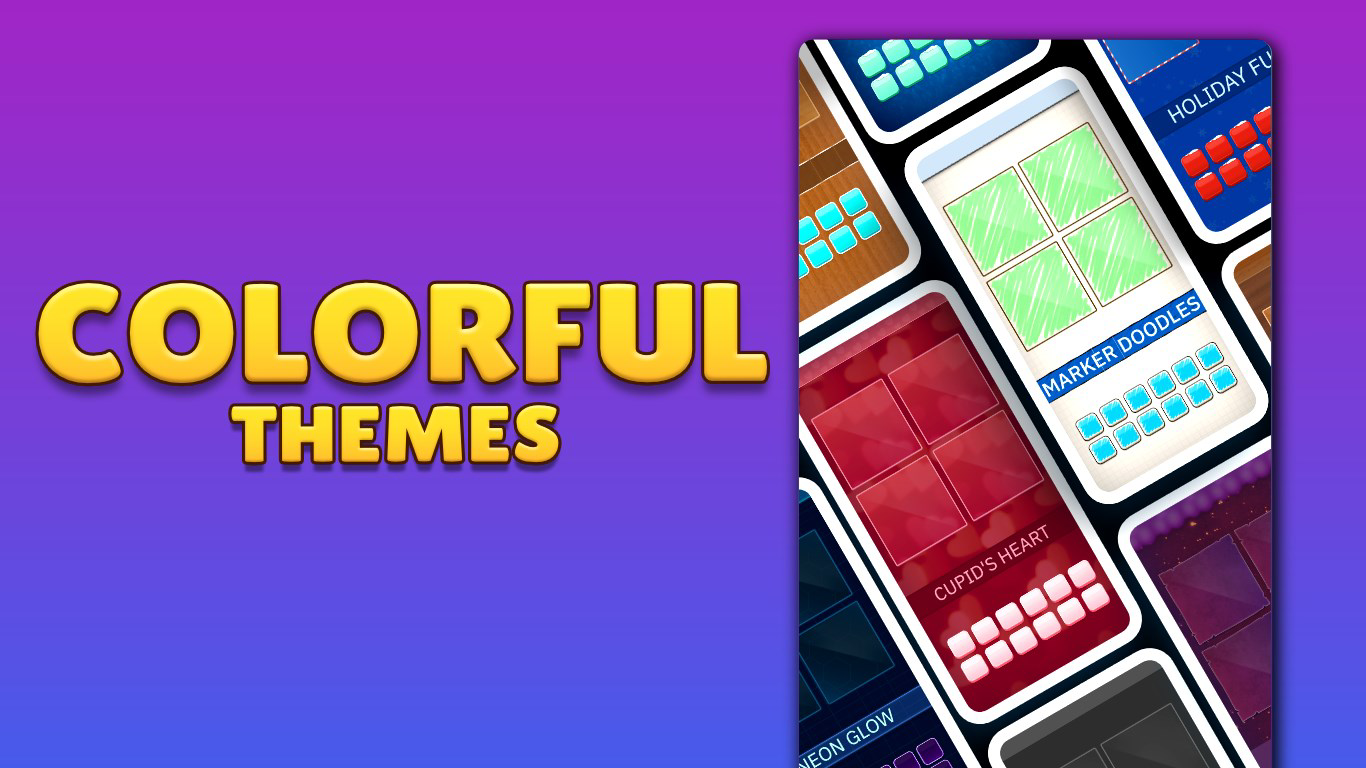
Visual design emphasizes simplicity and readability, using soft colors and clear icons. The game avoids overwhelming users with animations or distracting elements, maintaining focus on the core challenge. Transition between levels is smooth, and the app responds promptly to inputs, suggesting optimized performance for most Android devices.
Although the developer did not list formal performance metrics, the app’s lightweight size of 24M indicates efficient resource usage. It is likely to run well on mid-range and entry-level Android devices without excessive battery drain or memory consumption. Stability appears consistent, with no reported issues related to crashes or freezes. The app maintains responsiveness even during multiplayer sessions, which is critical for real-time gameplay.
Platform Compatibility & Technical Requirements
Word Puzzle: Word Games is available exclusively on the Android platform. The current version is 1.0.4, and the app has a file size of 24 megabytes, making it lightweight and suitable for devices with limited storage. The developer did not specify minimum OS requirements or hardware specifications, so compatibility may vary across older or newer Android devices.
Users should ensure their device is running a stable version of Android to avoid potential installation issues. While the app is free to download and install, in-app purchases or advertisements may be present—though this information was not disclosed in the provided data. For optimal experience, users are advised to keep the app updated to the latest version.
Pros and Cons
- Lightweight and fast-loading, ideal for low-end devices
- Over 3,500 levels ensure long-term replayability
- Real-time multiplayer adds competitive engagement
- Helpful hints and zoom tools support learning and accessibility
- Designed for all ages, with educational benefits
- Specific system requirements were not listed
- Developer did not disclose information about in-app purchases or ads
- Exclusive to Android; no iOS version available
- Gameplay may become repetitive for some users over time
- Performance on older devices is unverified
FAQ
Is Word Puzzle: Word Games free to download and play?
Yes, the app is available for free on the Android platform. While the base game is free, the developer did not specify whether in-app purchases or advertisements are included.
Can I play Word Puzzle: Word Games offline?
The provided information does not confirm offline functionality. It is recommended to check the app’s settings or documentation for details on internet dependency.
Is there a version of Word Puzzle: Word Games for iOS?
Currently, the app is only available on Android. There is no confirmed iOS version at this time.
How often are new levels and challenges added?
The app features daily challenges, suggesting regular content updates. However, the exact frequency of new level releases was not specified by the developer.
Is the game suitable for children and students?
Yes, the game is designed for all ages and offers educational value by improving vocabulary and word association skills. It is particularly beneficial for language learners and young students.
Final Thoughts + CTA
Word Puzzle: Word Games delivers a compelling blend of fun, challenge, and learning through its innovative visual word-guessing mechanic. With over 3,500 levels, real-time multiplayer options, and thoughtful accessibility tools, it stands out in the crowded puzzle genre. Its lightweight design and broad appeal make it accessible to a wide range of users, from casual players to educators seeking supplementary tools.
While the lack of detailed technical specifications and platform exclusivity may limit some users, the app’s core strengths—engaging gameplay, educational value, and consistent updates—make it a strong contender for anyone looking to improve vocabulary and cognitive skills in an enjoyable format.
Download Word Puzzle: Word Games now
Guides & Tutorials for Word Puzzle: Word Games
How to install Word Puzzle: Word Games
- Click the Preview / Download button above.
- Once redirected, accept the terms and click Install.
- Wait for the Word Puzzle: Word Games download to finish on your device.
How to use Word Puzzle: Word Games
This software is primarily used for its core features described above. Open the app after installation to explore its capabilities.
User Reviews for Word Puzzle: Word Games 0
No reviews found


